
How to TAP your Three Days Grace item
WATCH THE VIDEO
Find The Three Days Grace Logo with “Tap Phone Here”
Every NFC chip is hidden underneath this logo.

- For Alienation Tour signed posters and signed drumheads, the sticker with the NFC chip is applied directly on each item.
- For Alienation dog tags, this sticker with the NFC chip is applied on the certificate of authenticity.
- For VIP passes, this NFC chip is built into the pass.

HOW TO TAP
For iPhone
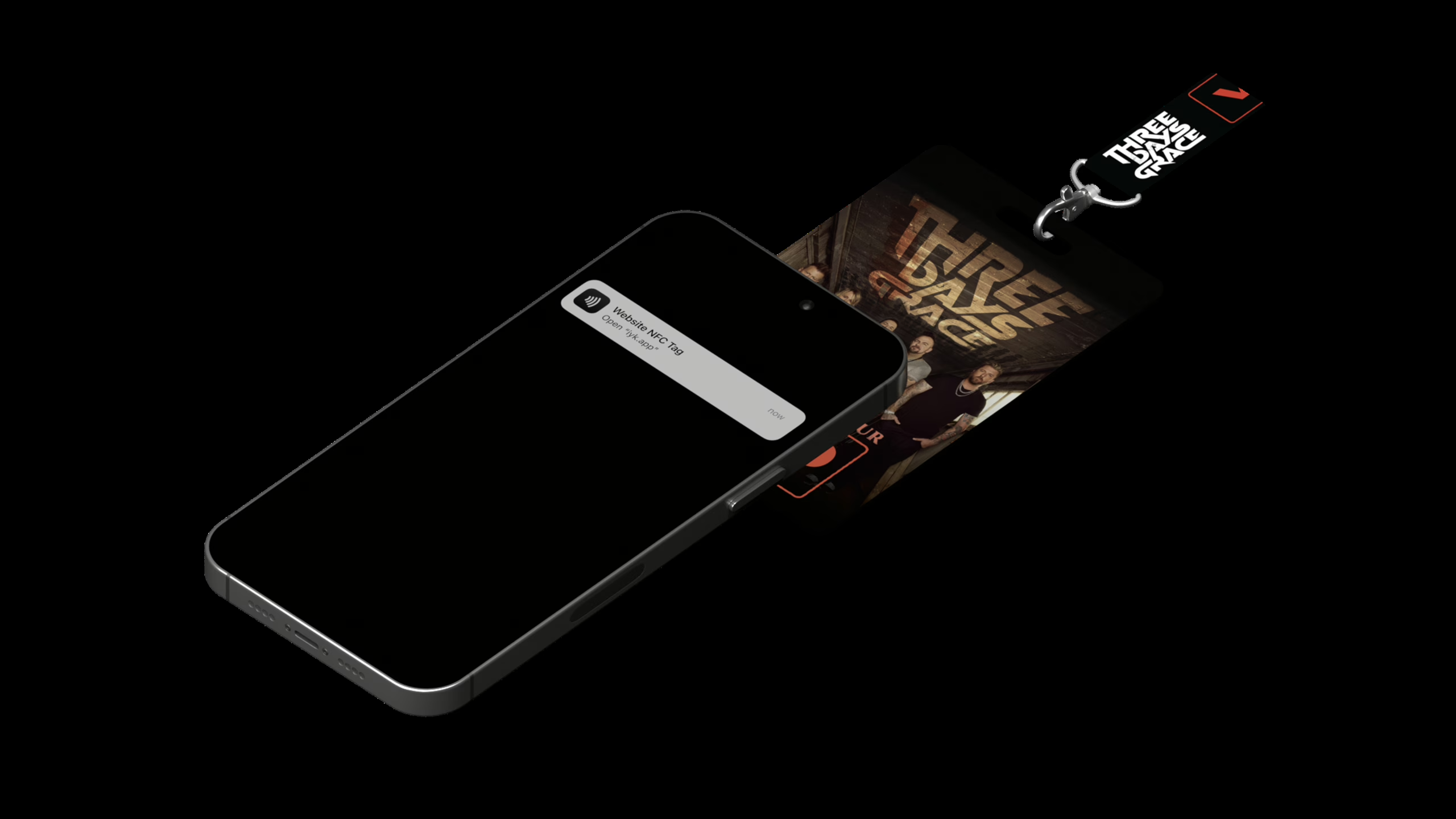
- Locate the Three Days Grace label or sticker
- Take your phone, and promptly place the top edge of your iPhone onto the chip
- It might take a moment or a couple of attempts for your phone to read the chip
- Open the notification and follow the instructions on the screen
For Android
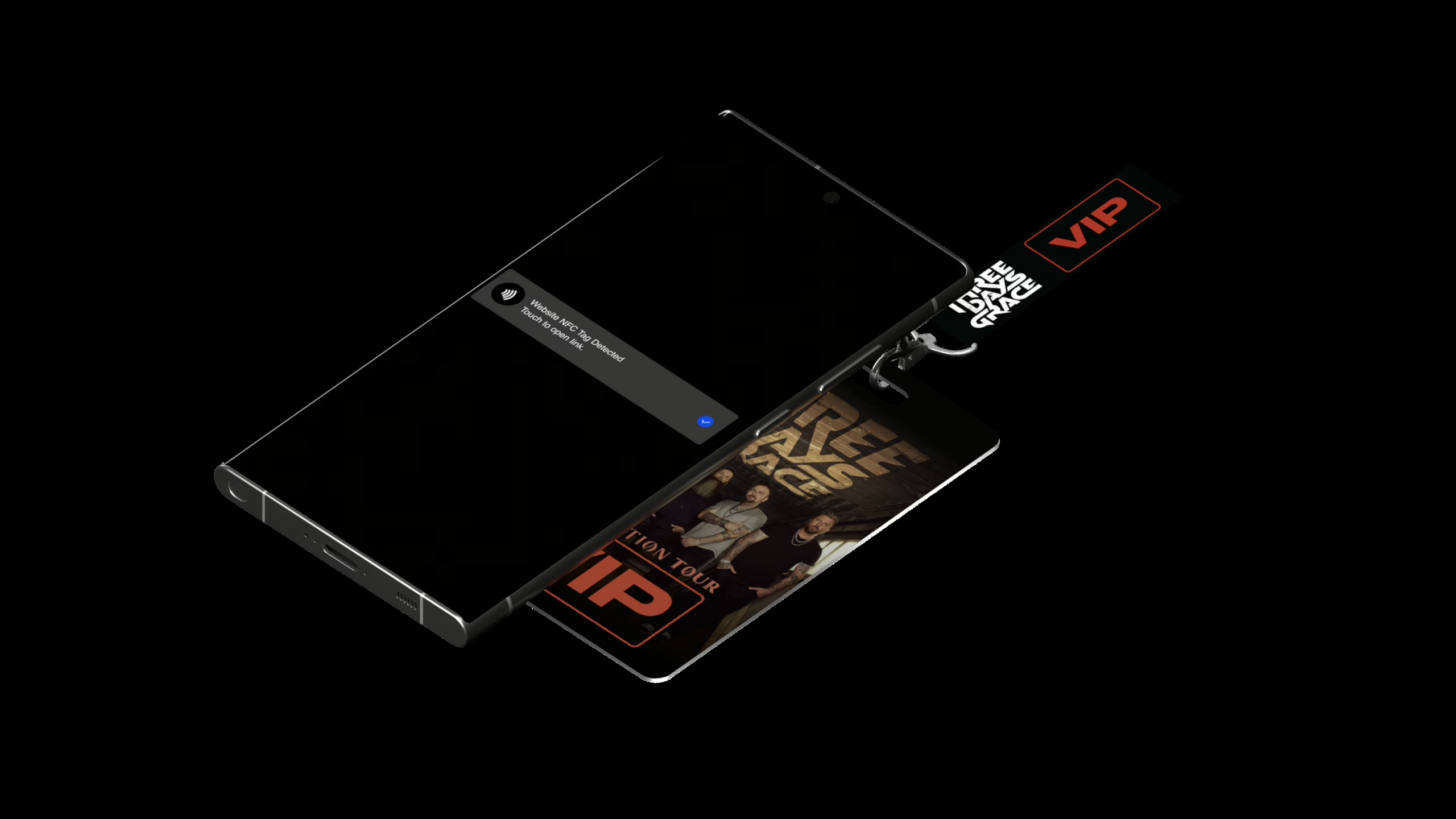
- Ensure NFC is enabled in settings
- Wake and unlock your Android
- Locate the Three Days Grace label or sticker
- Promptly place the center of your Android onto the sticker on your object and hold. It might take a moment or a couple of attempts for your phone to read the chip.
- Open the notification and follow the instructions on the screen
FAQ
Phone is still having trouble detecting the NFC Chip in my Three Days Grace item
If you have your camera app open, close it and try again. The camera app interferes with NFC reading on both iOS and Android. If your phone battery is low, charge it and try again. The NFC chip relies on power from your phone to establish a connection. If power saver mode is on, please disable it and try again.
Cannot find the NFC icon in my Control Center on an older iPhone model
You might need to manually add the NFC icon to your phone. This article might be helpful.
Questions? Contact us at help@iyk.app.